
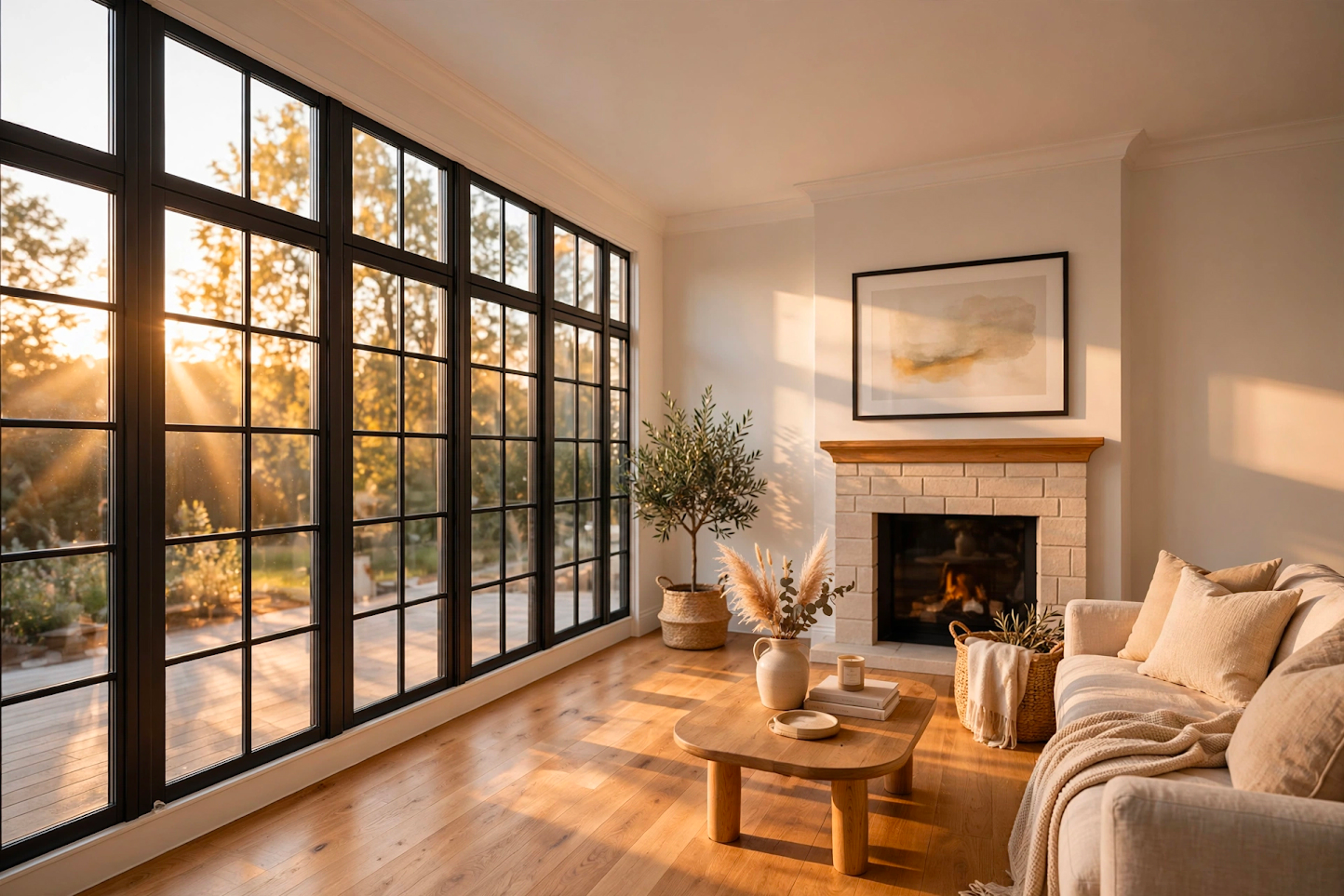
Motion-led visual storytelling
Start with a creative direction and shape a scene around movement, atmosphere, and a clear cinematic point of view.
Turn an idea into a vivid scene. Explore prompts with movement, atmosphere, and a cinematic point of view—then develop the direction in Muse Image.
Start creating in Muse ImageImagine the moment
Give every frame a reason to move
Creative direction
A strong visual idea goes beyond a subject. It gives the moment context, mood, and intention.
Start with a creative direction and shape a scene around movement, atmosphere, and a clear cinematic point of view.

Turn a rough concept into a more specific direction by describing the subject, action, setting, lighting, and camera feel you want.
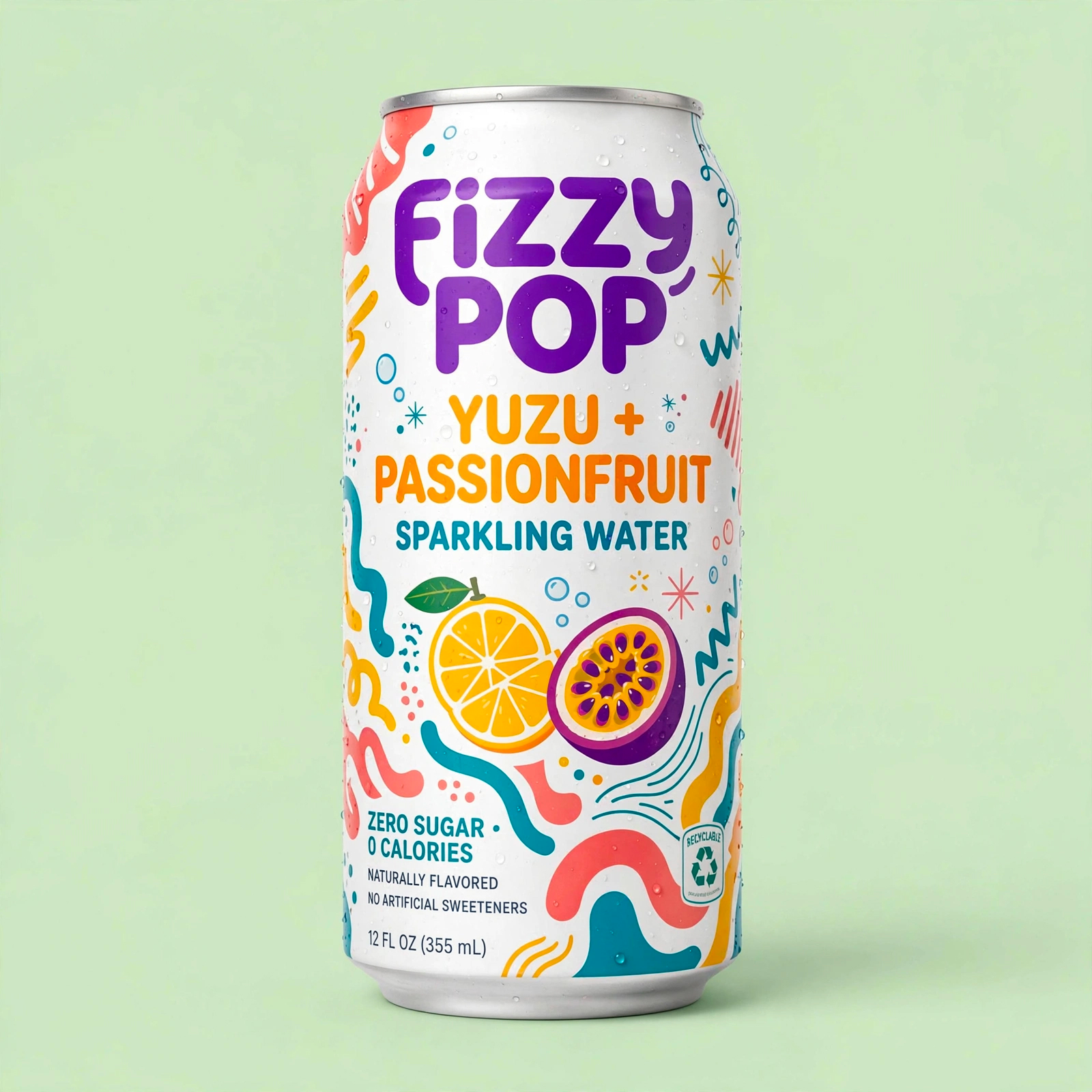
Explore alternate moods, moments, and compositions quickly, then take the strongest direction into your next creative brief.
Visual references
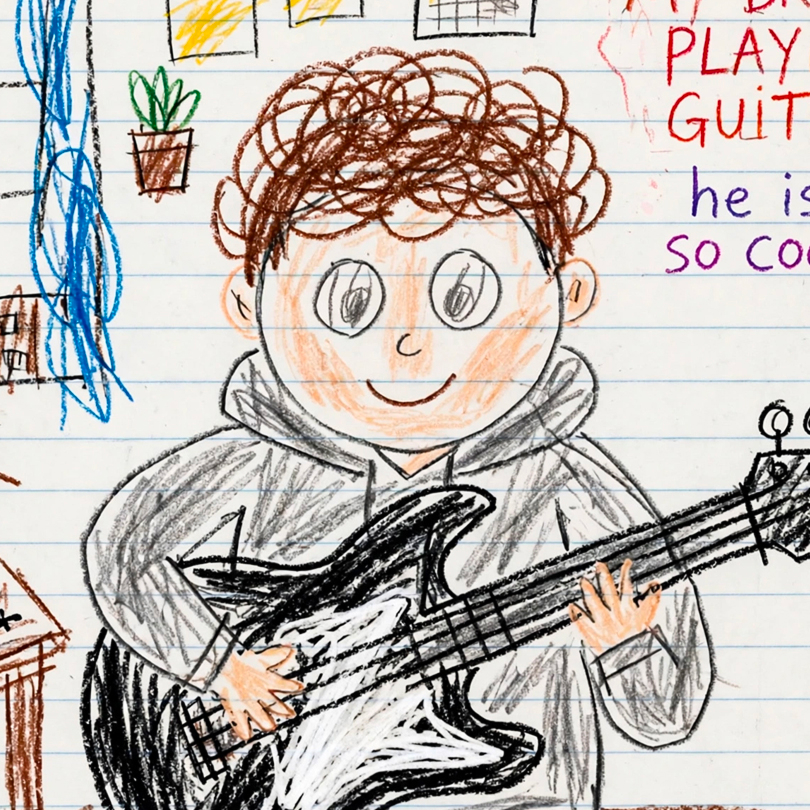
Use these examples as a prompt-writing starting point. They are creative references, not model benchmarks.
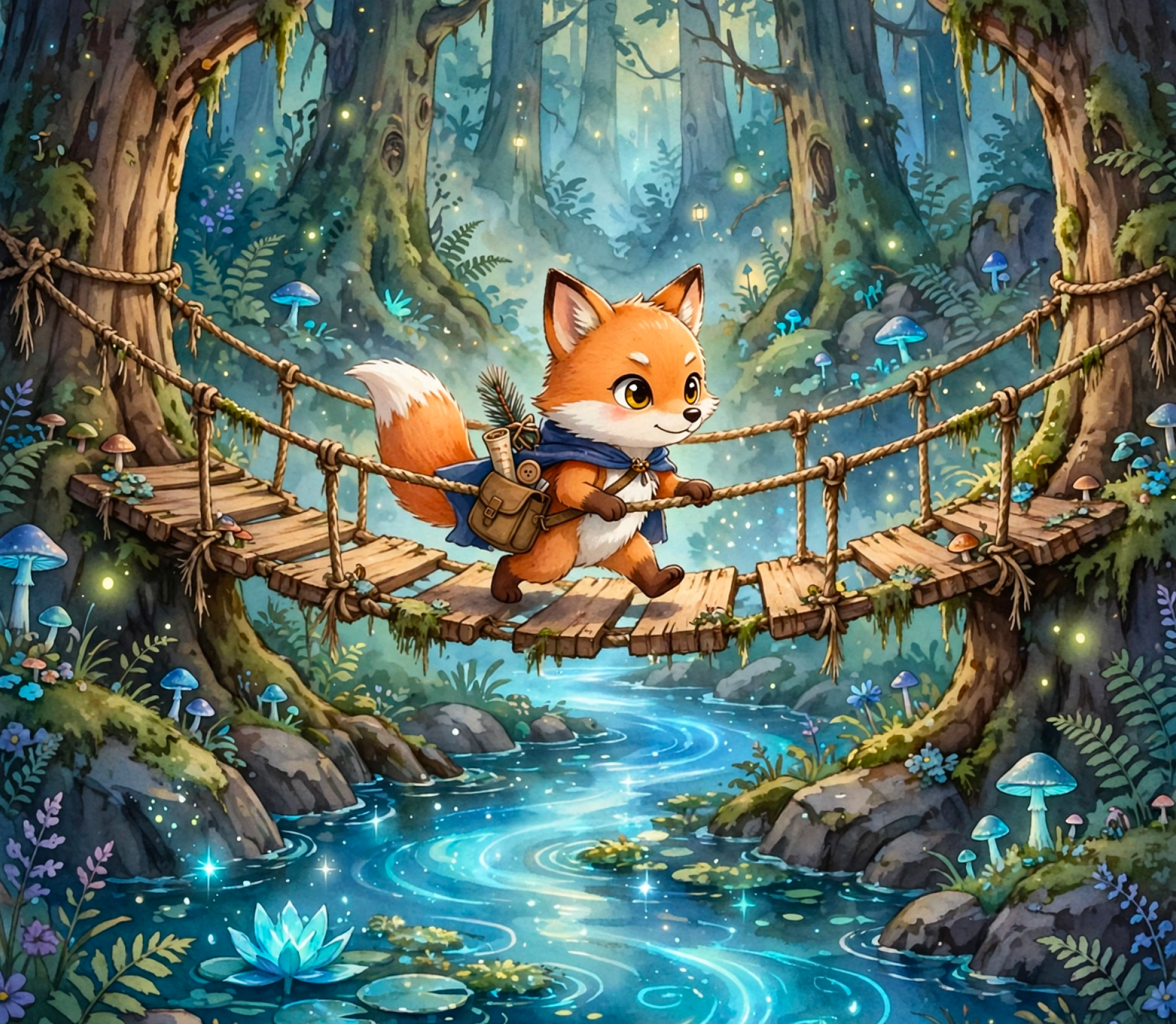
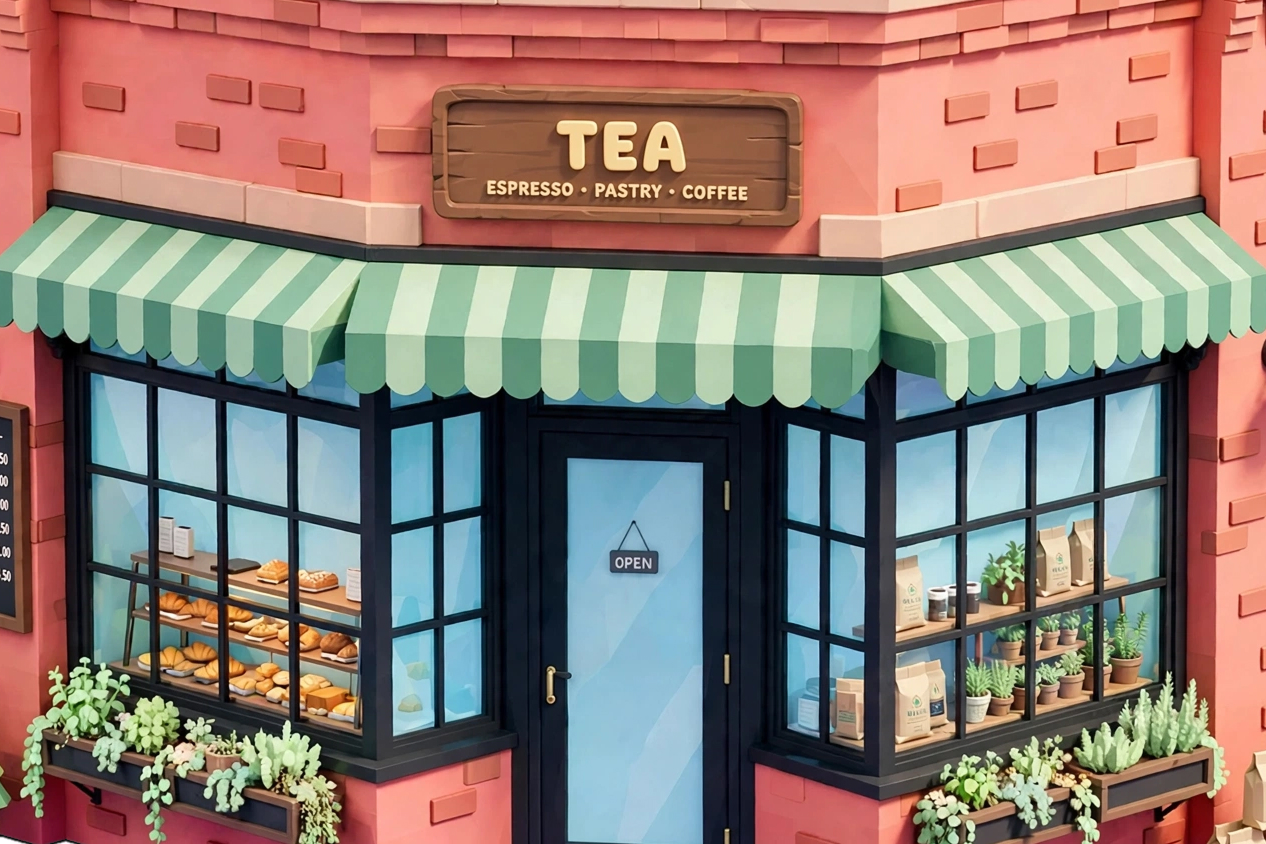
Simple workflow
Describe the subject, setting, and feeling you want to explore. Begin with the idea, not production jargon.
Guide the creative direction with actions, pacing, camera language, and lighting details that make the scene feel alive.
Generate a visual direction in Muse Image, then iterate on the prompt until it is ready to develop further.
The essentials for shaping your next cinematic creative direction.
Grok Imagine is a creative AI experience associated with cinematic, motion-led visual storytelling. This page helps you explore the kind of prompt direction that brings those ideas into focus.
Name the subject and action first, then add the setting, mood, lighting, and camera movement. Specific details make a creative direction easier to evaluate and refine.
Muse Image supports image editing workflows. Upload a JPEG, PNG, or WebP reference in the Create workspace and describe the changes or direction you want to explore.
Availability depends on the models enabled in your Muse Image workspace. You can start in the Create workspace to see the options currently available to you.
Use the Create workspace to turn your concept into a visual generation, edit a reference image, and download the result when it is ready.
Open Muse Image to turn a cinematic prompt direction into a visual concept you can keep refining.
Explore the Create workspace