
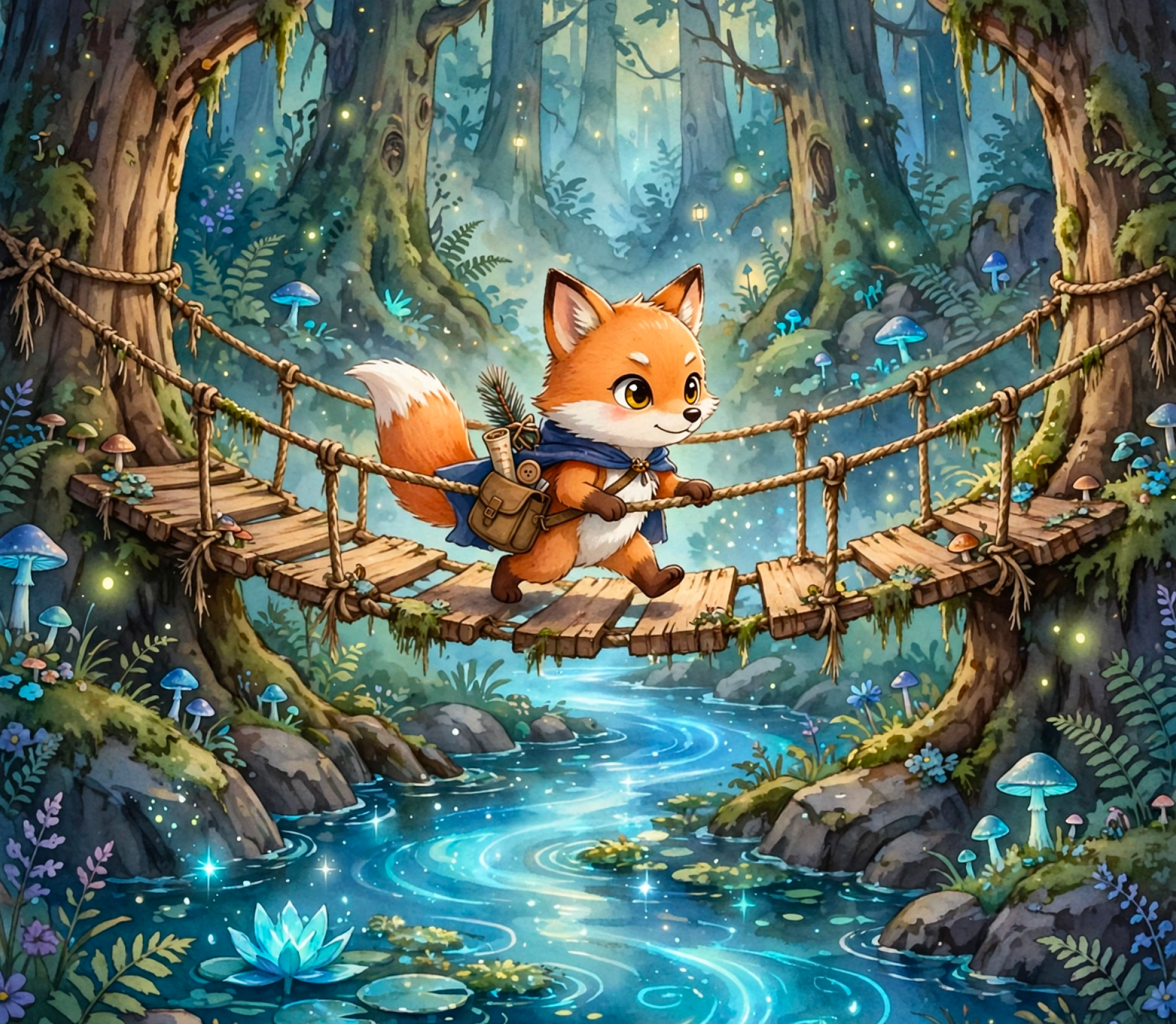
Typography that belongs in the design
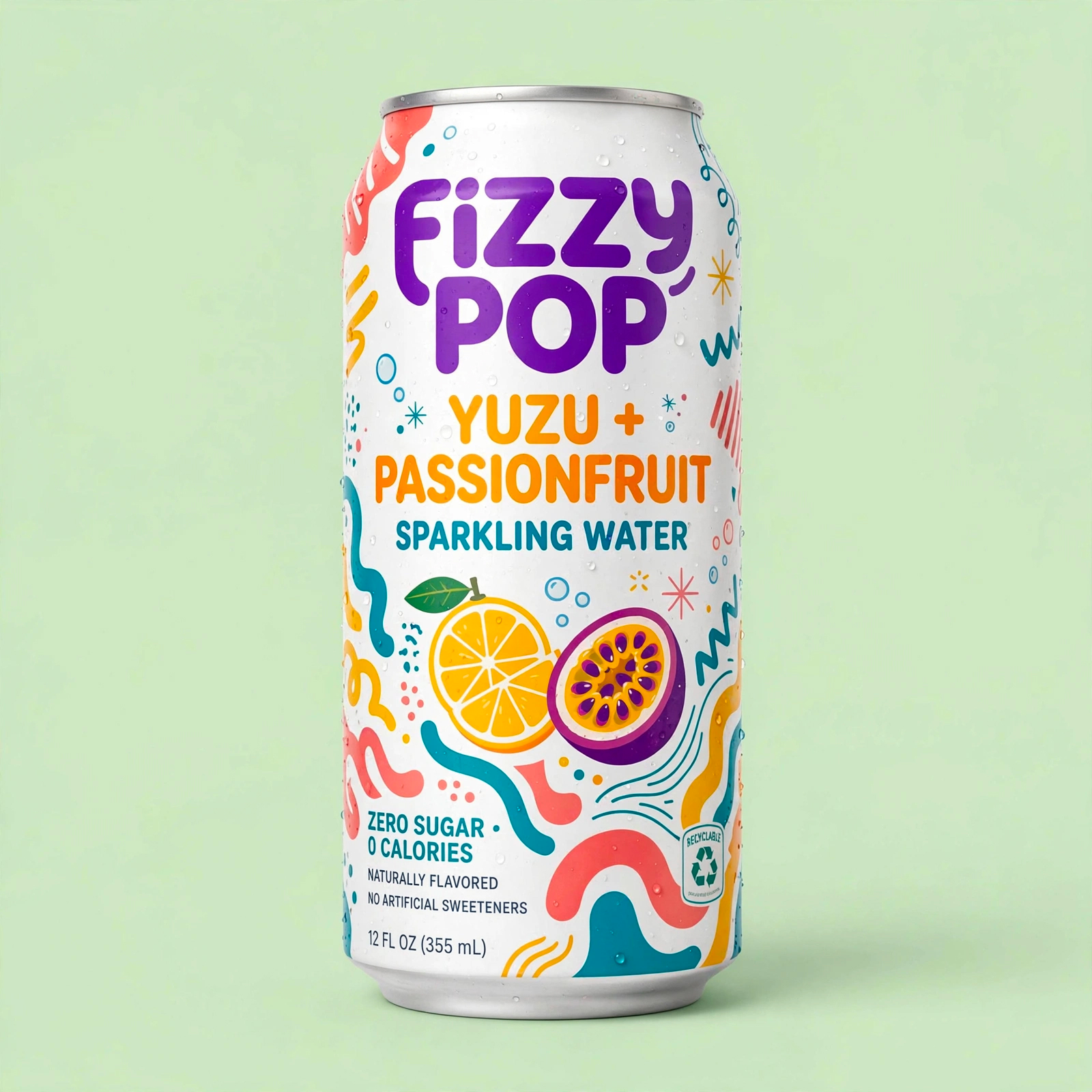
Create posters, packaging concepts, social graphics, and interface mockups with more reliable titles, labels, and supporting copy.
Translate ambitious creative briefs into polished, high-detail visuals with dependable typography, structured composition, and a straightforward editing workflow.
Start creating with GPT Image 2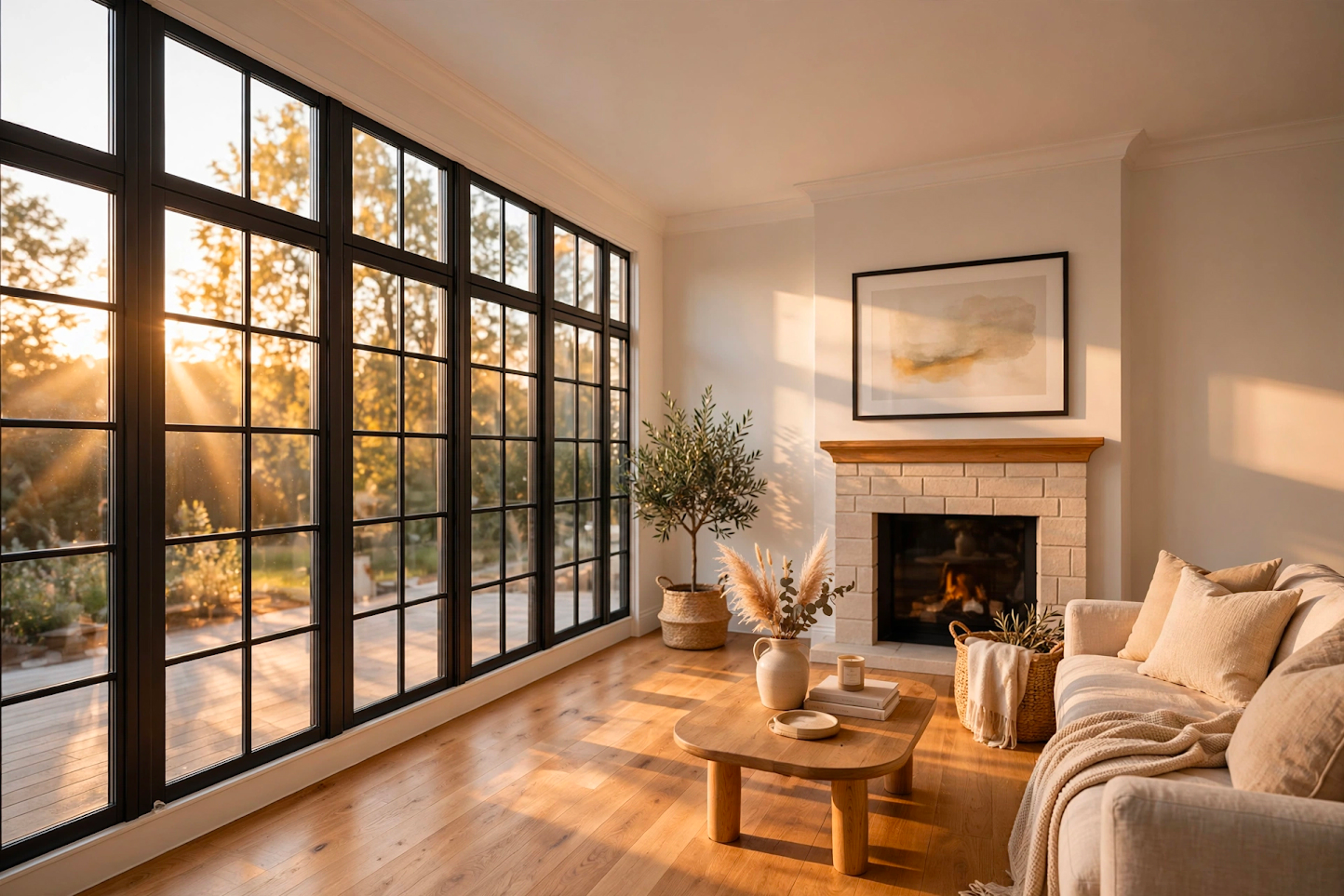
Built for real briefs
From first concept to campaign-ready direction
Creative control
A focused model for visual work where clarity, hierarchy, and the details inside the image matter.
Create posters, packaging concepts, social graphics, and interface mockups with more reliable titles, labels, and supporting copy.
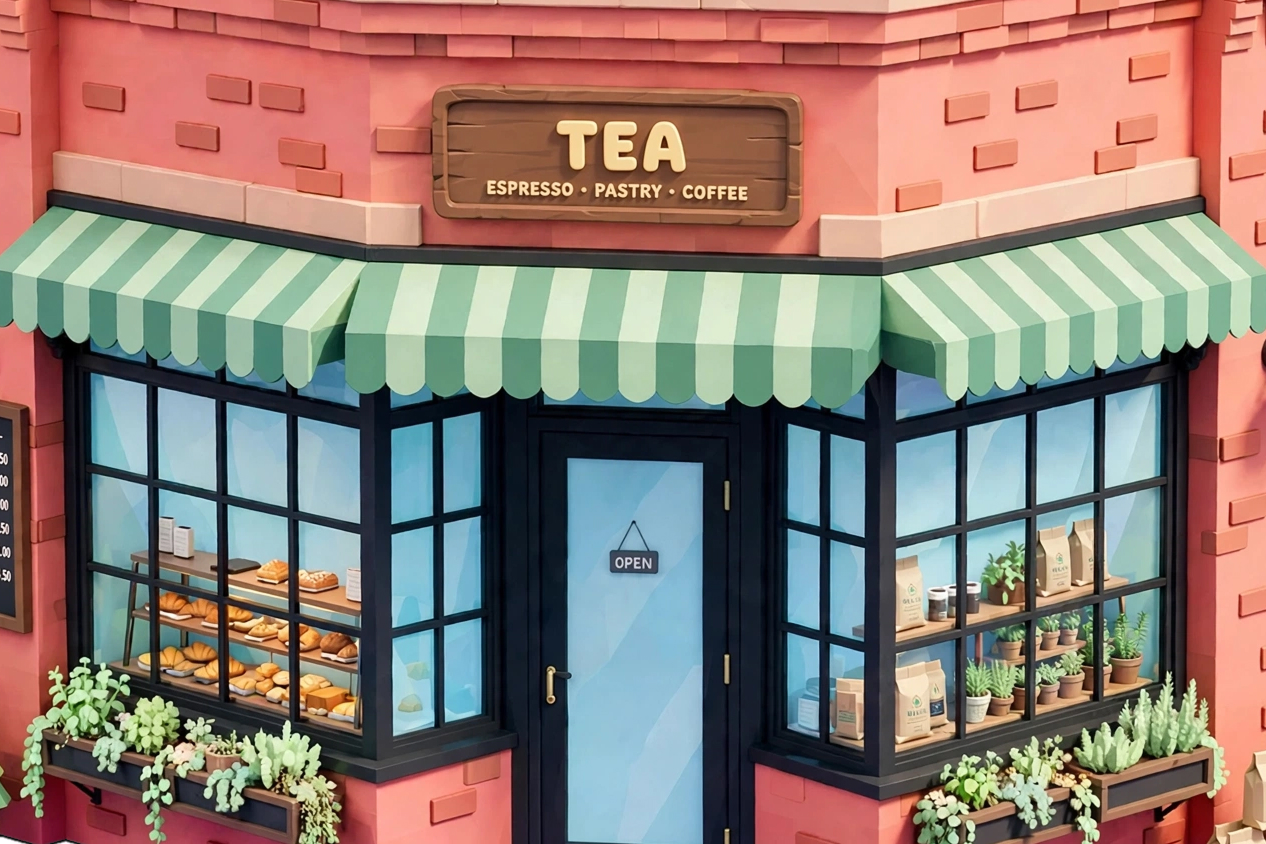
Turn detailed briefs into balanced layouts with intentional spacing, clear hierarchy, convincing materials, and coherent lighting.
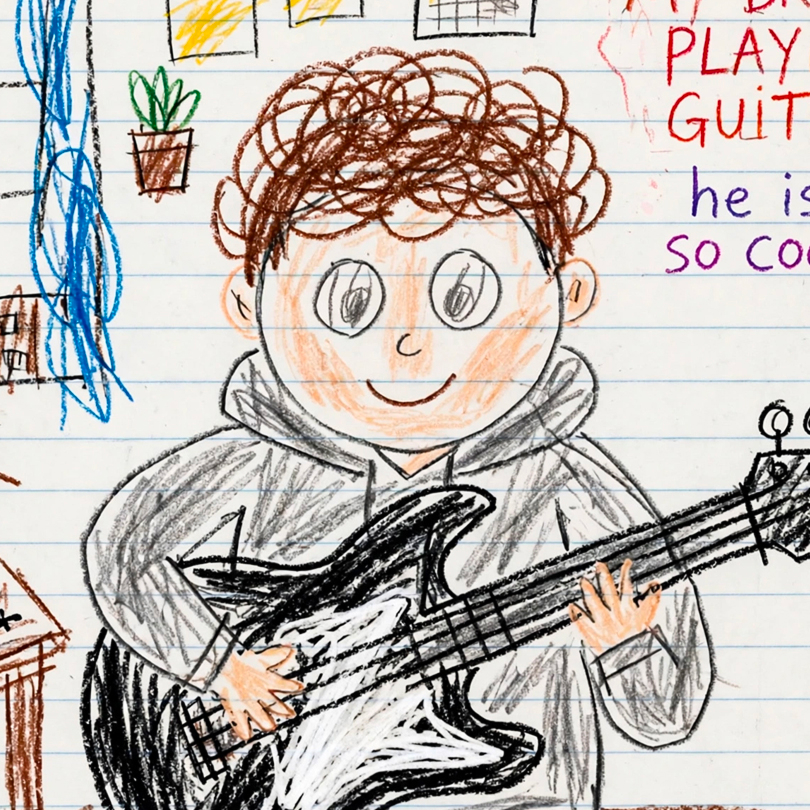
Upload a source image and describe the change. Refine styling, objects, atmosphere, or presentation while keeping the workflow simple.
Use-case gallery
Explore inspiration for editorial, brand, product, and campaign workflows. These examples are creative references, not model benchmarks.

Simple workflow
Start from a written brief or upload one image you want to transform.
Select GPT Image 2, an explicit aspect ratio, and the resolution your project needs.
Review the result, refine your prompt when needed, then download the stored production asset.
The essentials before you start a new generation or edit.
GPT Image 2 is an advanced image generation and editing model available in Muse Image for detailed prompt following, typography, and polished visual production.
Yes. Choose Image Edit, upload one JPEG, PNG, or WebP image, and describe the changes you want to make.
Muse Image offers 1K, 2K, and 4K resolution tiers with explicit landscape, square, and portrait aspect ratios.
One GPT Image 2 output costs 40 credits at 1K, 60 credits at 2K, or 80 credits at 4K. Multiple outputs multiply that amount.
The model is designed for professional creative workflows. Review the Muse Image terms and any applicable provider terms for your specific use case.
Choose GPT Image 2 in Muse Image and move from a detailed brief to a downloadable asset in one workflow.
Generate with GPT Image 2